Is hatching actually the delay?
The official pass directory lists Auto Hatch at 40 Robux in today’s public response. The name alone does not explain every access condition or which eggs are affected. In the September LukeBlox transcript, the creator describes an auto-hatching egg near 1:41 and says they turn on auto hatching near 6:19. Those are dated observations, not proof that the same option is free or already owned in your setup.↗↗
First establish that eggs are arriving and are waiting on a hatch action. If there is no delivery, opening eggs faster cannot fix the missing run. If a countdown is still progressing, check what the offered feature says about timers rather than assuming that automatic means instant.
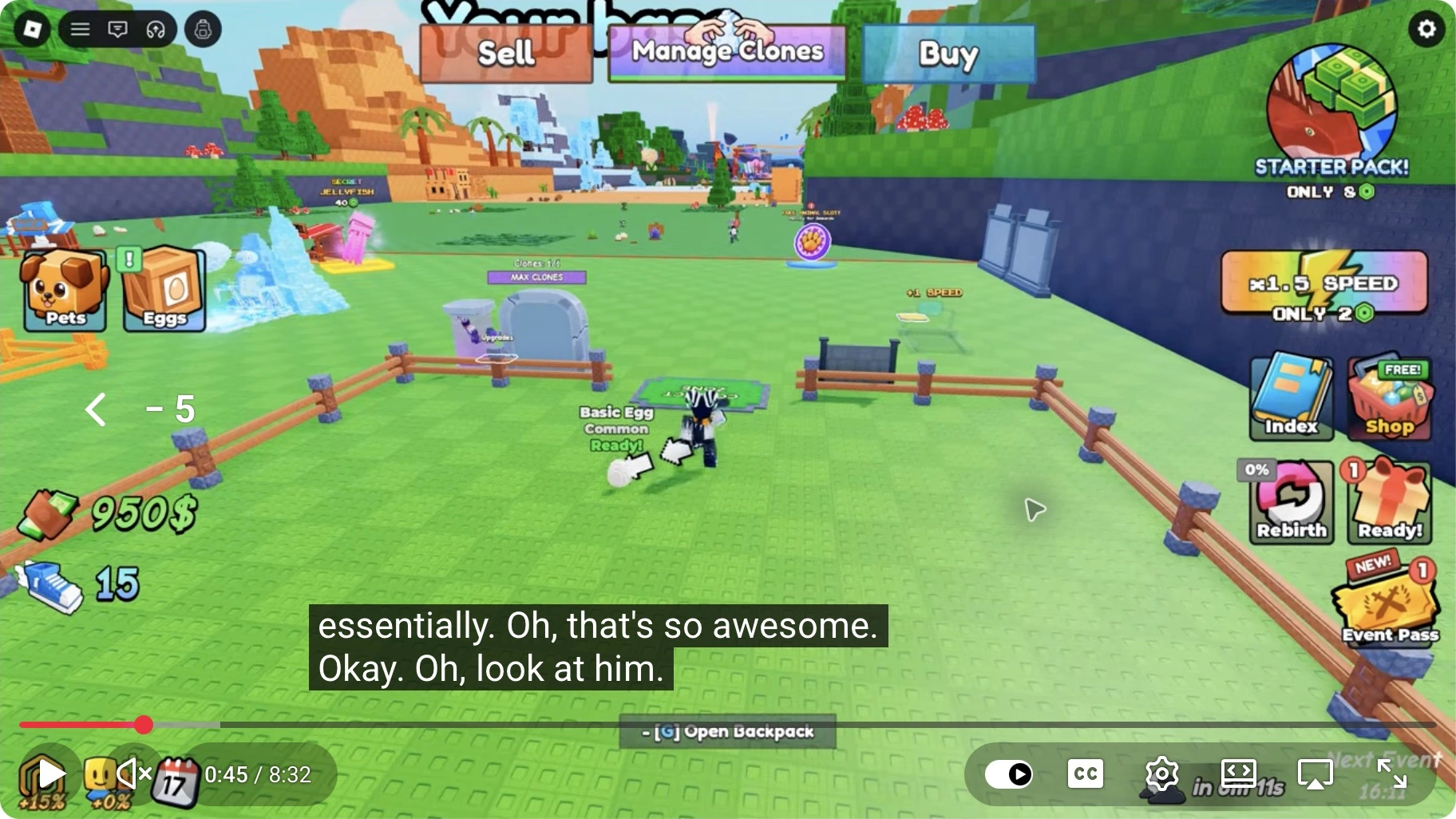
Keep four states separate
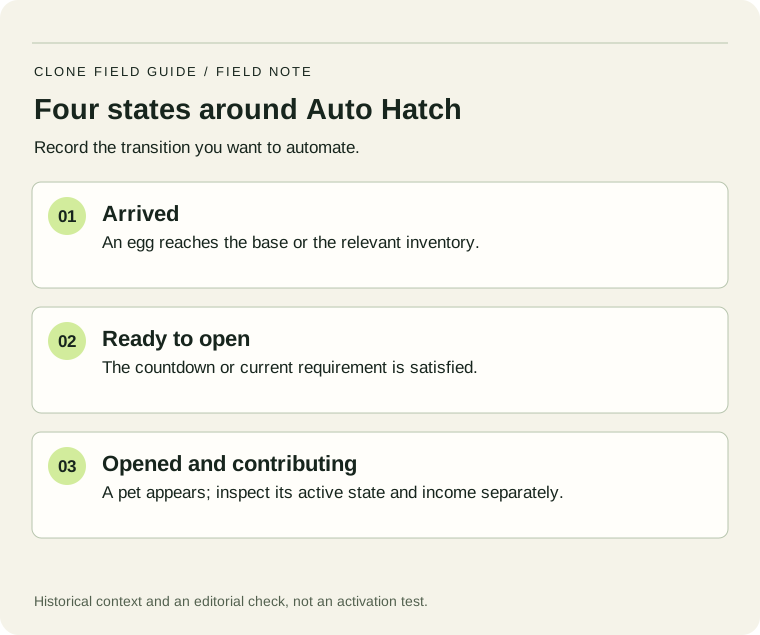
| Symptom | Check first |
|---|---|
| No eggs arrive | Target and completed clone return |
| Egg has a remaining timer | The current hatch requirement |
| Ready eggs wait for input | Availability, ownership and the actual Auto Hatch control |
| Pets appear but income does not rise | Pet contribution, capacity and comparable units |
A ready egg in a screenshot establishes that state, not a successful automatic opening. Likewise, an inventory that empties after a bulk action does not identify which pet took an earning position. Follow one identifiable egg through the process before deciding whether the convenience feature solves your problem.
Run a small before-and-after check
- Record how many eggs are waiting and which are already ready.
- Observe a short interval with your current controls and no other purchases.
- Read the offer, access conditions and any existing toggle.
- If you choose to use the feature, note which state changes without further input.
- Inspect the pet result and active setup, then compare manual actions saved.
As an illustrative workload, twelve ready eggs opened in groups requiring twelve separate actions are different from twelve eggs handled by one bulk action. The useful convenience measure is the number of actions and interruptions removed. It is not automatically twelve new earning pets if active capacity is full or the results replace stronger existing pets.
Keep ordinary earnings separate from convenience. You may value a smoother session even when the cash rate remains unchanged. Conversely, a rapidly growing queue can signal that deliveries exceed opening capacity; measuring that queue is more informative than copying another player’s purchase order.
A Robux price shown in a September recording or another wiki is not today’s personal quote. Use the current Roblox product details and your account’s final offer. This page has not purchased or activated the pass, and it does not infer permanent ownership from a creator merely describing an automatic hatch.
Hear the creator describe the hatch option
This timestamp is a September narration reference for turning on auto hatching. It does not verify current price, ownership requirements or continuous unattended play.↗
Starting Over as NOOB with MOST EXPENSIVE TREADMILL in Clone to Steal Eggs! ↗
LukeBlox · 23 September 2026
Loading the player connects to YouTube. We use its privacy-enhanced player; YouTube may show its own ads. Privacy details.
What to look for
- 6:19Auto-hatching narration
The creator says they turn on auto hatching. Inspect the corresponding controls in your own session.
Keep a useful record
Use the short worksheet for this decision. Fill only the fields you can read or measure; leave an uncertain result marked unknown. A second observation is useful only when you can compare the same setup. Keep the date with your readings so a later balance change does not silently turn an old result into a current rule.
Check whether a video’s automation matches your session
A creator may already own Auto Hatch or extra slots. Before copying a long opening sequence, check the feature’s ownership and enabled state on your account, then watch several complete hatch cycles. A video title about fast progression does not establish that the same controls are free.
Record eggs arriving, eggs opened and available slots during one uninterrupted interval. If incoming eggs exceed completed hatches, the queue still grows even with automation enabled. Improve the actual bottleneck rather than assuming an Auto Hatch purchase increases every part of the egg loop.
Check automation with a three-column record
For one fixed interval, record eggs arriving, eggs opened and eggs remaining. Reconcile ending queue = starting queue + arrivals − opens − other removals. For example, a starting queue of 6 plus 8 arrivals minus 10 opens leaves 4, provided no eggs were sold or removed. This hypothetical ledger distinguishes a working hatch control from delivery that simply outpaces it.
Sources & scope
- Official Roblox experience description and identityChecked 15 October 2026
- Official Roblox universe pass directory — public listing snapshotPublic response checked 15 October 2026; not an account checkout quote
- LukeBlox — later egg openings, target discussion, Auto Hatch and passes23 September 2026; original transcript captured and reviewed in October
- Superlex Plays — first clone, ready egg and earning pet · 0:00–1:01Late September 2026 · inspected 2 October 2026
Written 15 October 2026. Official game and pass-directory data were checked today. Credited screenshots and video notes describe September recordings, not a current-server playtest. Worked examples are editorial calculations, not current game prices or tested drop odds. How we handle evidence.